
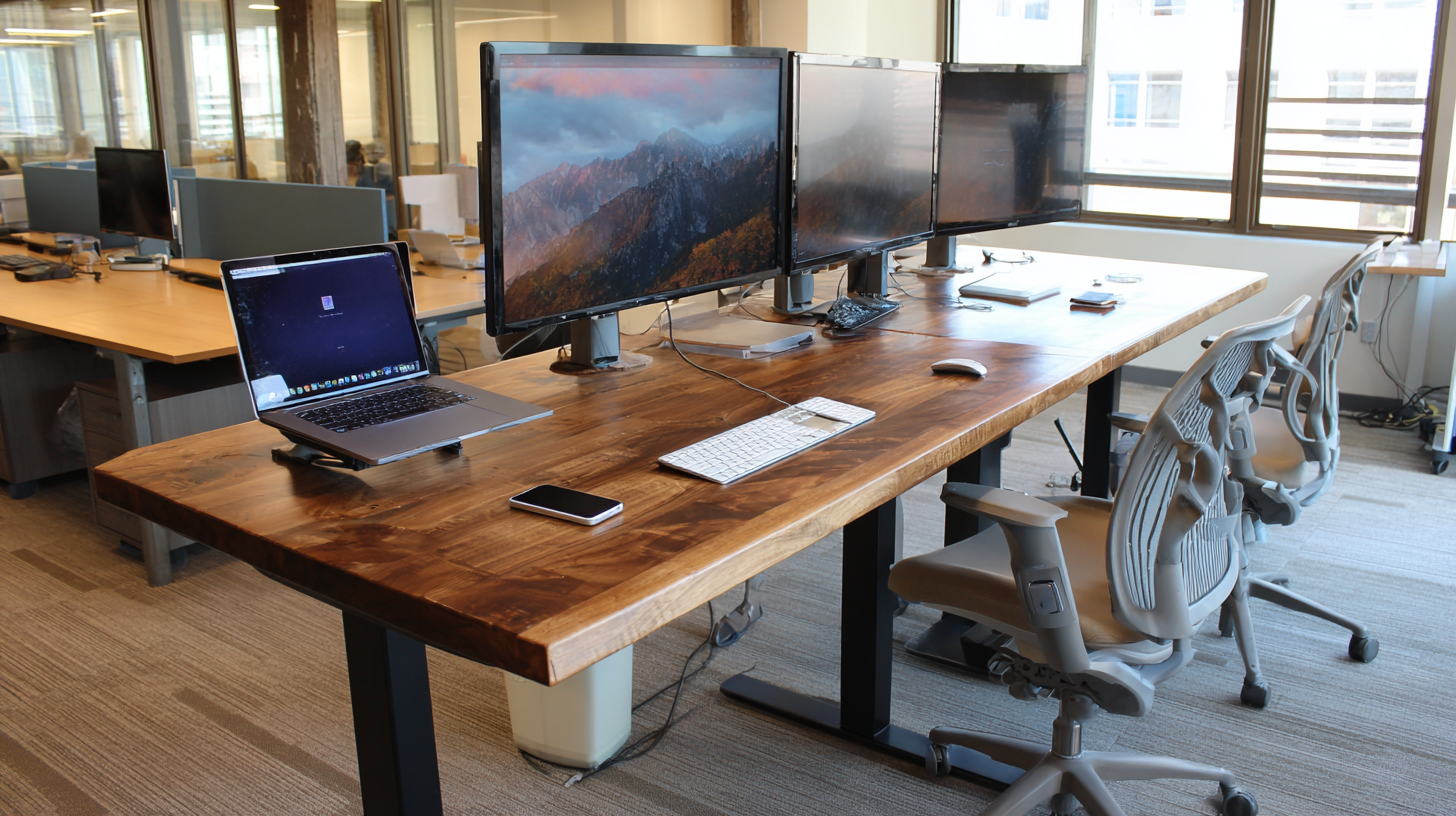
If you work from home and spend most of your day sitting, you’ve probably felt it. The lower back tightness that kicks in around 2pm. The stiff neck. The general sense that your body wasn’t designed to be parked in a chair for eight hours straight. A standing desk won’t solve every ergonomic problem, but being able to switch between sitting and standing throughout the day makes a noticeable difference in how you feel by the end of it.
The good news is you don’t need to drop $800 or more to get a good one. There are several solid options under $500 that offer smooth electric adjustment, stable frames, and enough desk space to handle a real work setup. Here’s what’s worth buying right now.
FlexiSpot E7
The FlexiSpot E7 consistently shows up at the top of standing desk rankings, and after looking at what you get for the money, it’s easy to see why. It uses a dual-motor system that lifts quietly and smoothly, even under heavy loads. The weight capacity is 355 pounds, which is higher than most competitors in this price range and means you can pile on dual monitors, a laptop, a full keyboard setup, and a coffee maker without worrying about it.
The height range goes from about 22.8 to 48.4 inches, which covers most people between 5’2″ and 6’4″ comfortably. It comes with a digital keypad that has four programmable memory presets, so you can save your exact sitting and standing heights and switch between them with one button press. Depending on which desktop size and finish you pick, the E7 usually lands somewhere between $400 and $500. It’s the sweet spot of price and performance for most home office setups.
Fezibo Electric Standing Desk
If you want to spend as little as possible to try out a standing desk, the Fezibo is the move. Even the largest 60-inch version comes in under $200, which is absurdly cheap for an electric sit-stand desk. It includes three programmable height presets, cable management grommets in the back of the desktop, and even a pair of hooks on the side for hanging headphones.
The catch is that it runs on a single motor instead of dual motors, so it adjusts a bit slower and louder than pricier options. It also won’t feel quite as rock solid at standing height if you’re leaning on it or typing aggressively. But for someone who wants to test whether a standing desk fits their workflow before making a bigger investment, it’s hard to argue with what you get for the price. It comes in several colors and sizes, and there’s no upcharge for different finishes.
Uplift V2
The Uplift V2 is one of the more popular desks in the mid-range tier, and it regularly goes on sale for right around that $500 mark depending on the configuration. What sets it apart is the level of customization available. You can choose from a wide range of desktop materials and sizes, add accessories like keyboard trays and monitor arms, and configure it to fit your exact needs.
The frame is solid and stable, with a dual motor setup and a height range of 25.3 to 50.9 inches, which makes it one of the better options for taller users. It also has an advanced keypad with four memory presets and an anti-collision feature that stops the desk if it bumps into something on the way up or down. The build quality is a step above the budget options, and most reviewers say it holds up well over years of daily use.
VIVO Electric Standing Desk
VIVO makes a 63 by 32 inch desk that gives you a massive work surface for well under $500. If your setup includes multiple monitors, a laptop off to the side, and various accessories, the extra real estate is a big deal. Most standing desks at this price top out around 48 or 55 inches wide, so getting that 63-inch span without paying a premium is a nice bonus.
The trade-off is that the desktop arrives in three pieces that you splice together during assembly, kind of like an IKEA tabletop. It doesn’t feel as seamless as a one-piece desktop, and the overall stability isn’t quite on par with the FlexiSpot or Uplift. But if workspace area is your top priority and you need a big desk on a budget, it’s one of the few options in this price range that delivers.
What Actually Matters When You’re Shopping
There are a few things that separate a standing desk you’ll love from one you’ll regret, and they aren’t always obvious from the product listing.
Stability at standing height is the big one. A desk can feel perfectly fine when it’s lowered to sitting position but wobble noticeably when it’s raised to 42 or 45 inches. This matters because if your monitors are shaking every time you type, you’re going to lower the desk and never raise it again. Dual-motor desks tend to be more stable than single-motor options, and heavier frames generally perform better than lightweight ones.
Memory presets sound like a minor convenience feature, but they make a huge difference in practice. With presets, you press a button and the desk goes to your exact saved height. Without them, you hold a button, watch the desk rise, try to eyeball when it’s right, and usually overshoot or undershoot. Over weeks and months of switching multiple times a day, that friction adds up and you’ll find yourself standing less often.
Noise level matters more than you’d think, especially if you’re on calls. Most dual-motor desks operate under 50 decibels, which is about the volume of a quiet conversation. Single-motor desks tend to be louder. It’s not a dealbreaker, but if you’re adjusting your desk height while unmuted on a Zoom call, the cheaper motors are going to announce themselves.
Desktop size is worth thinking about before you order. A 48-inch wide desk handles a single monitor and laptop fine. If you run dual monitors or have a lot of peripherals, go 55 inches or wider. And don’t overlook depth. A 24-inch deep desktop works for most setups, but if you use a large monitor and want it pushed back a bit for eye comfort, 30 inches of depth is noticeably better.
One More Thing: Get an Anti-Fatigue Mat
Seriously. A $30 to $40 anti-fatigue mat makes standing for extended periods dramatically more comfortable. Without one, your feet and knees will start complaining within the first week and you’ll give up on standing entirely. It’s the single cheapest upgrade that has the biggest impact on whether you actually use the desk as intended.