
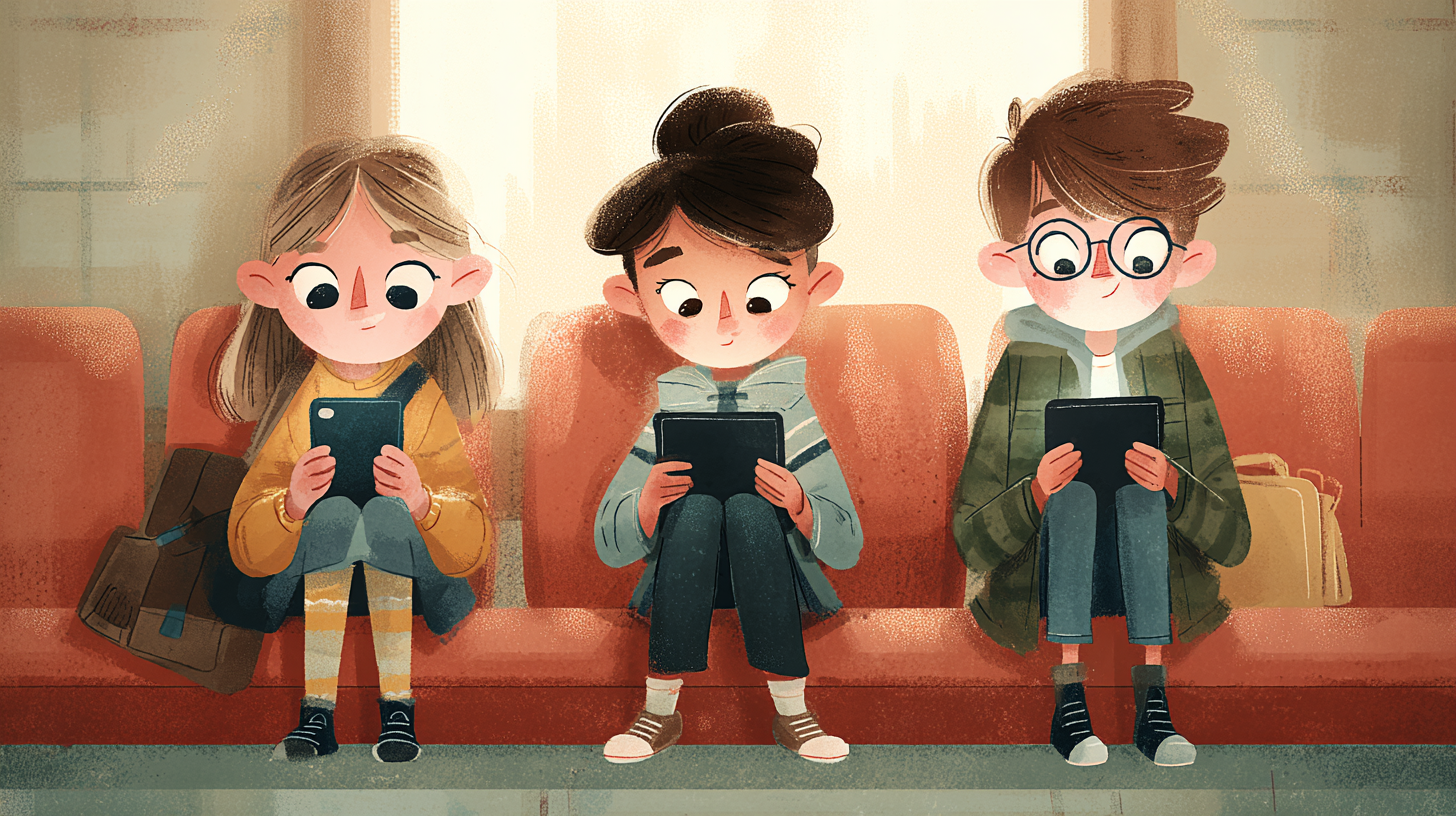
Screen time is one of those parenting topics where everyone has an opinion and nobody fully agrees. But here’s the reality for most families in 2026: kids are going to use tablets and phones. The question isn’t whether they get screen time, it’s whether that time is doing anything useful. The right educational app can genuinely teach your kid to read, build math skills, or spark an interest in science. The wrong one is just a flashy time sink dressed up as learning.
The tricky part is that a great app for a three-year-old is completely wrong for a seven-year-old, and what works for a second grader will bore a fifth grader instantly. Here’s a breakdown of what’s actually worth downloading, sorted by the age group it’s built for.
Ages 2 to 5: The Early Learners
At this age, you want apps that focus on the basics. Letter recognition, counting, shapes, colors, and vocabulary building. The interface needs to be simple enough that a toddler can navigate it without constantly needing a parent to tap buttons for them. And ideally, no ads. Nothing derails a learning session faster than a three-year-old accidentally tapping a banner ad and ending up on some random website.
Khan Academy Kids is the standout here, and it’s not even close. It covers early literacy, math, and social-emotional learning through interactive games, books, and videos led by a cast of animated characters. The app adapts to your child’s level as they progress, so it grows with them. It was developed in collaboration with learning experts at Stanford, aligns with Common Core and Head Start standards, and here’s the kicker: it’s completely free. No ads, no subscriptions, no in-app purchases. If you only download one educational app for a young child, this is the one.
ABCmouse is another strong option for this age range. It offers a structured learning path across reading, math, science, and art, with thousands of activities and games. The curriculum is more guided than Khan Academy Kids, which some parents prefer because it feels less like free play and more like a real lesson plan. It does require a subscription, usually around $10 a month after a free trial, but families who use it consistently tend to see real results. Research tied to the platform suggests kids who complete at least 35 activities see significant gains in school readiness.
Lingokids is worth a look too, especially if you want something that covers a broad range of skills beyond just reading and math. It includes games for social-emotional learning, science, and even basic life skills. It’s designed for ages 2 to 8, is ad-free, and has been used by over 100 million families. There’s a free tier with limited content and a paid version that unlocks everything.
Ages 5 to 8: Building Foundations
Once kids hit kindergarten age, the apps can start introducing more structured academic content. Reading fluency, basic math operations, early coding concepts, and beginning science topics all come into play here. The key is that the learning still needs to feel like a game. Five-year-olds don’t sit through lectures, even digital ones.
Teach Your Monster to Read is one of the best literacy apps available for this range. It turns phonics into an adventure game where kids progress through stages by completing reading challenges. The approach is backed by the science of reading, and the app has racked up over 300 million plays worldwide. It’s effective for early readers and also works well for kids who struggle with reading or have dyslexia. The app is free on web browsers and has a small one-time cost on mobile.
Prodigy Math is wildly popular with this age group because it disguises math practice as a role-playing game. Kids create a character, explore a fantasy world, and battle creatures by solving math problems. The questions adapt to the child’s skill level, and parents get a dashboard to track progress. The core game is free, though there’s a paid membership that adds extra in-game features. Importantly, the paid stuff is cosmetic, not educational, so free users still get the full learning experience.
Duolingo ABC focuses specifically on literacy for ages 4 to 7, using the same streak-based reward system that makes the main Duolingo app so addictive. Kids work through letter tracing, phonics, and sight word exercises in short sessions that feel more like playing than studying. It’s free and ad-free.
PBS Kids Games pulls from popular shows like Curious George and Arthur to teach math, reading, and problem-solving. For kids who are already fans of these characters, the familiarity makes the app immediately engaging. Everything is free and there’s no subscription required.
Ages 8 to 12: Going Deeper
By this age, kids are ready for apps that challenge them with real academic content and start building skills they’ll use long-term. Critical thinking, coding, language learning, and more advanced math and science all fit here. The apps can afford to be more complex because kids at this stage can handle multi-step instructions and longer learning sessions.
For math, the regular Khan Academy app (not the Kids version) is excellent for this age group. It covers everything from arithmetic through pre-algebra and beyond, with video lessons, practice exercises, and progress tracking. Like the Kids version, it’s completely free with no ads.
ScratchJr and Scratch, both developed by MIT, teach coding through visual block-based programming. ScratchJr is designed for ages 5 to 7 as an intro, while the full Scratch platform handles ages 8 and up. Kids build interactive stories, animations, and games by snapping together code blocks. It’s one of the most widely used coding platforms for kids in the world and it’s free.
CodeMonkey takes coding a step further for kids around age 8 and older. Instead of just visual blocks, it teaches actual programming syntax through game development challenges. Kids write real code to solve puzzles and build their own games, which gives them a much better foundation if they want to eventually move to text-based programming languages.
Epic is a digital library with over 40,000 books, audiobooks, and learning videos for kids up to 12. It’s basically an unlimited reading resource that works great for kids who burn through books quickly. There’s a free version with limited access and a paid subscription that opens up the full library. For families trying to build a reading habit, having this many titles available on a tablet removes the friction of running out of things to read.
For language learning, Duolingo works well for kids in this range because the gamified lessons are short and the streak system keeps them coming back daily. If you want something more immersive, Rosetta Stone for Kids uses an image-based teaching method that builds vocabulary and comprehension without relying on translation, which is closer to how kids naturally acquire language.
A Few Things to Keep in Mind
Not all apps that call themselves educational are actually effective. Look for apps that align with real academic standards, were developed with input from educators or researchers, and have been around long enough to have a track record. Be skeptical of anything that’s mostly animations and rewards with very little actual learning content underneath.
Free doesn’t always mean worse. Khan Academy Kids and Scratch are both free and they’re among the best options in their categories. On the flip side, a paid app isn’t automatically better just because it costs money. Read reviews from other parents and check whether the app is recommended by credible sources before subscribing.
Balance matters. The World Health Organization recommends kids under 5 get no more than an hour of screen time per day, and even for older kids it’s smart to keep app time bounded. Pair app use with hands-on activities when you can. If your kid just learned about plants in a science app, go outside and plant some seeds together. The app is a starting point, not the whole experience.
And finally, sit with your kid occasionally while they use these apps, especially the younger ones. Ask them what they’re doing, what they’re learning, what was hard. That five minutes of conversation turns passive screen time into something more connected and reinforces whatever the app is teaching.